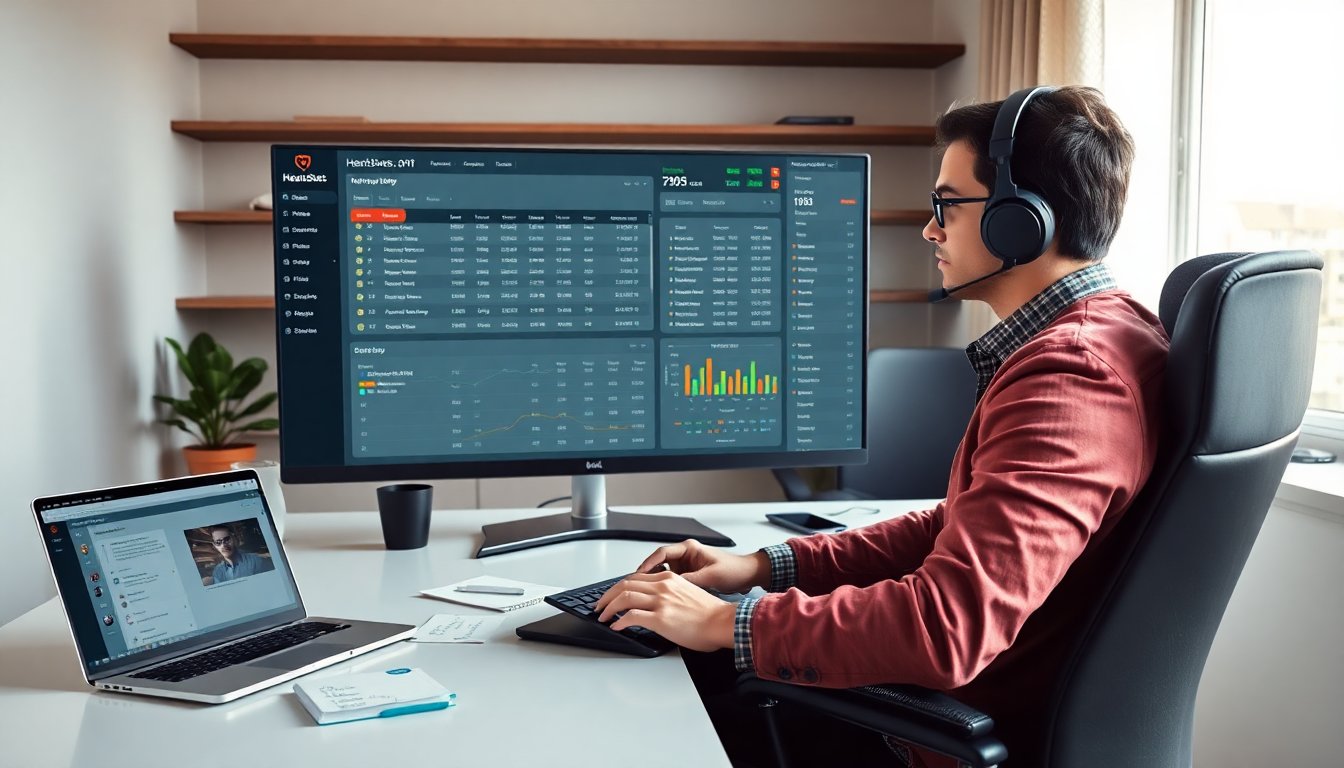
Hearthstats .net helps players log games and study results. It records deck lists, match outcomes, and basic stats. It shows win rates by deck and matchup. It lets players spot mistakes and repeat strengths. This guide explains what hearthstats .net does, how to set it up, its core features, and how players use its data to improve play.
Key Takeaways
- Hearthstats .net enables players to log games, track deck lists, and analyze win rates to identify strengths and weaknesses.
- By comparing deck versions and matchup results, players can make informed adjustments that improve their win percentages over time.
- The platform offers detailed stats including mulligans, opponent classes, and match history, supporting data-driven decision making.
- Players use hearthstats .net data to isolate mistakes, test changes systematically, and improve practice through focused review.
- Privacy controls on hearthstats .net allow users to manage data visibility and export or delete information as needed.
- Consistent self-tracking with hearthstats .net leads to steady improvement by revealing patterns missed during live play.
What HearthStats.net Does And Why It Still Matters
Hearthstats .net stores match data and deck lists. It collects wins, losses, mulligans, and opponent classes. It shows simple win rates and game counts per deck. It gives players a consistent record of play across sessions and devices. It helps players judge whether a deck idea works over time. It helps players avoid false beliefs caused by short runs of luck.


Players use hearthstats .net to compare deck versions. They track how small card swaps change win rates. They check results by rank and by time of day. Teams use hearthstats .net to share data and test new lines. Streamers and coaches use the site to back claims with numbers rather than memory.
Hearthstats .net still matters because self-tracking improves practice. Players who log games see patterns they miss in live play. Those patterns lead to concrete changes in mulligan, sequencing, and tech choices. That yields steady improvement over weeks and months.
Setting Up HearthStats.net: Account, Deck Import, And Game Tracking
A user creates an account on the site. A user links the account to the local tracker app or imports decks manually. The tracker app captures game events and saves them to the account. The site accepts CSV and deckstring imports. The user names decks and tags them by format and goal.
To import a deck, the user copies the deckstring and pastes it into the import field. The site parses the list and saves the deck to the library. To track games, the user runs the tracker while playing. The tracker logs outcome, opponent class, time, and deck used. The user reviews uploads on the web dashboard after a session.
Hearthstats .net supports manual edits for mislogged games. The user can correct the result, adjust mulligans, or add notes. The site records those edits to preserve transparency. The user can also export raw CSV for offline analysis or coach review.
Key Features — Deck Stats, Win Rates, Match History, And Meta Insights
Hearthstats .net shows win rates per deck and per matchup. It lists total games and win percentages in clear tables. It shows streaks and sample sizes so a user can avoid overreacting to small numbers. It displays match history with timestamps, opponent class, and result. The site provides graphs for daily and weekly performance.
The deck library shows card counts and average mana curve. It flags cards that appear in top-performing lists. The user can compare two deck versions side by side. The site shows play percentages and which cards correlate with wins. That helps players find weak tech choices.
Hearthstats .net offers meta snapshots based on user-submitted data. It ranks top archetypes and shows class share. It highlights common matchups for a chosen rank band. The site does not claim perfect coverage because it relies on voluntary uploads. Players can pair hearthstats .net data with official tools for context. For example, professional analysts use Statcast tools for baseball tracking, and players can use similar public tools for verification like the Statcast leaderboard for home runs to illustrate how primary data sources operate Statcast home run tool.
Using HearthStats Data To Improve Your Play (Tips, Tools, And Privacy Notes)
A player reviews win rates and then isolates matchups with poor results. The player tests small changes to the deck and logs another block of games. The player compares the new block to the old block by sample size and win percentage. The player keeps changes small so results show clear cause and effect.
A player uses match history to study specific losses. The player replays moments, notes decision errors, and writes short notes on the match. The player tags games by error type to find repeating mistakes. The player shares tagged games with a coach or a friend for outside feedback.
A player uses filters to study rank-specific performance. The player filters by opponent class, ladder rank, and time range. The player watches how a deck performs in quick sessions and in long sessions. The player uses those observations to schedule practice and break times.
Hearthstats .net stores data on third-party servers. A user reads the privacy settings and adjusts visibility. A user limits public sharing if they want to keep decklists secret. A user exports and deletes data when they stop using the service. The site provides export and deletion tools for that purpose.
A player combines hearthstats .net numbers with hand-review and focused practice. That approach gives clear steps for improvement. Players who track games and act on the data tend to improve faster than players who rely on memory alone.